Shared-Area Charging Management Panel: Per-User Tracking in Apartments and Complexes
Charging an electric car in a shared car park is technically less difficult than people assume: a suitable line is run, the unit is mounted on the wall, the car charges. The hard part starts afterwards. Who used the electricity? How will it be reflected in the shared costs? What if someone who does not live in the building turns up and uses it? The answer is not in the device itself but in the management panel behind it. In shared areas the decision is usually determined not by the power of the unit but by whether this management layer exists.
Why is charging in a shared area a separate problem?
A charger in your own garage serves a single user; the meter is already yours and consumption goes straight onto your own bill. In a shared area the unit is usually fed from the communal supply and used by several people. Unless four things are settled on the management side, the unit soon becomes a source of dispute:
- Authorisation: who may use the unit, are guest vehicles included?
- Measurement: which user drew how much energy?
- Capacity: if two cars start charging at the same time, is the building's subscribed power exceeded?
- Responsibility: who will follow up faults and handle the cost split?
These four headings point to a single need: a record of who used the shared charger, how much and with what authorisation. Without a record the cost split comes down to guesswork, and guesswork is the fastest way to create disagreement in a building.
What exactly does the management panel do?
The management panel is the software that manages the charging unit remotely over the OCPP protocol. At Bemis the panel is used both from a web browser and from the mobile app; the unit connects to the internet over Wi-Fi, or over the mobile network on models with a GSM module. In a shared area the panel covers the following:
- User setup: the administrator creates users from the panel and withdraws authorisation when needed.
- RFID card pairing: a card is assigned to each user; anyone without a registered card cannot start the unit.
- Per-user reporting: how much energy each user has drawn is shown separately.
- Remote monitoring and control: the charging session is followed in real time and can be started or stopped remotely.
- Dynamic load balancing: when several units run at once the available power is shared automatically so the subscribed limit is not exceeded.
- kWh unit price: the administrator sets the energy unit price from the panel.
- Prepaid balance on the RFID card: the administrator loads a balance onto the card in advance; the user can only charge up to that balance and the card stops working once it runs out.
These last two items change the real problem in shared areas — collection — at its root. In the classic arrangement energy is spent first, then it is worked out who owes what and the money is chased. A prepaid balance reverses the order: the administrator sets the kWh unit price, loads a balance onto the user's card, and the user charges only up to that balance. When the balance runs out the unit no longer works with that card. No receivable to chase is ever created, and the management still sees exactly what was spent through the per-user report.
Why does charging management software become a separate cost item?
A charging unit is bought once; management software, however, is usually set up in this sector as a recurring cost — a monthly subscription or an annual licence per unit. Small as it looks on a single unit, this item becomes noticeable within operating costs as the number of units grows, and it makes the decision harder in shared areas. Managements often compare the price of the device and leave out the subscription burden that follows it.
At Bemis the shared-area management panel is free. When you buy the unit the panel comes with it; you pay no separate subscription or licence fee. For a management weighing up a shared-area investment this is the difference between a one-off cost and a recurring one, and it directly affects the total cost of ownership.
Which units include it free?
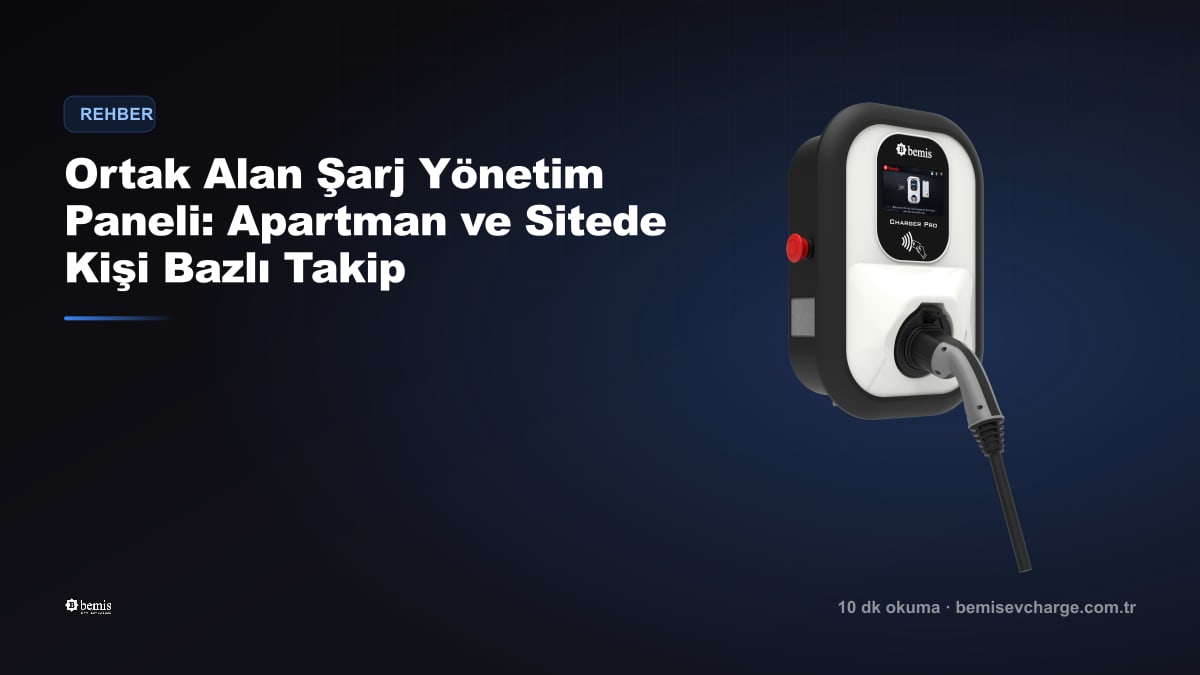
The free management panel applies to the Charger Plus 2 and Charger Pro 2 families, designed for shared use. Both series support the OCPP 1.6 protocol, authorise via RFID card and can be adjusted between 3,7 - 22 kW. On the product pages these units are marked with the Free Management Panel badge; the entry-level Charger 2 is not designed for shared-area management.
Three things to settle before installation
- Management decision: installing a unit in a shared area requires a decision by the property owners. Put in writing from the start which users will be authorised and how the cost will be shared.
- Electrical infrastructure: will the unit be fed from the communal meter or will a separate line be run? A qualified electrician should assess the existing distribution board and the subscribed power.
- Capacity plan: one car today can be three tomorrow. A unit that supports dynamic load balancing saves you the cost of upgrading the line later.
Explore the AC charging stations built for shared areas, with the management panel included free.
AC Wallbox modelsFrequently Asked Questions
Who pays for the electricity in a charger installed in an apartment car park?
If the unit is fed from the communal supply, consumption first goes onto the shared costs, which means neighbours who never use it also share the expense. The management panel solves this in two steps: an RFID card is assigned to each user and the energy drawn is reported per user; in addition the administrator can set the kWh unit price and load a balance onto the card in advance. Because the user charges only up to the balance they loaded, the amount falling on the shared costs is covered upfront and no receivable is left to collect later.
Do I have to pay a monthly fee for charging management software?
In this sector charging management software is usually offered as a monthly subscription or an annual licence per unit. Small as that amount looks on a single unit, it becomes a permanent item within operating costs as the number of units grows and stretches the payback of a shared-area investment. The Bemis shared-area management panel is free: it comes with Charger Plus 2 and Charger Pro 2 units and there is no separate subscription or licence fee. When comparing units, look not only at the hardware price but also at the software cost that follows it.
Can someone who does not live in the building use the charger?
Authorisation is done with an RFID card; anyone without a card registered in the panel cannot start the unit. The administrator can add a new user at any time from the panel or remove an existing user's authorisation. Whether guest use is allowed, and who is authorised in which period, therefore stays entirely under the management's control. The moment a departing resident's authorisation is removed from the panel they can no longer use the unit; no physical step such as collecting cards or changing locks is needed.
If more than one car charges at the same time, is the building's electricity enough?
Dynamic load balancing exists exactly for this: when units run at the same time they share the available power between them and prevent the building's subscribed power from being exceeded. That way, when two cars start charging together the fuse does not trip; each car simply takes a little longer to fill. How many cars will charge simultaneously, the building's subscribed power and the existing installation should be assessed together with a qualified electrician. Choosing a unit that supports load balancing also postpones the cost of upgrading the line as the number of cars grows.
Can I use the management panel from my phone?
Yes. The panel can be used both from a web browser and from the mobile app; the administrator can look at reports on a computer while handling day-to-day tasks from a phone. The unit connects to the internet over Wi-Fi, and on models with a GSM module it can also connect over the mobile network. That second option is particularly useful in underground car parks, because a building's wireless network often does not reach the basement. The connection method is chosen during installation and remote monitoring depends on it.
Which Bemis units support shared-area management?
The Charger Plus 2 and Charger Pro 2 families are designed for shared use. Both carry OCPP 1.6 support, RFID card authorisation and dynamic load balancing; the power can be adjusted between 3,7 - 22 kW, so it can be limited to the building's installation capacity. In these two families the shared-area management panel is free and the units are marked on the product pages with the Free Management Panel badge. The entry-level Charger 2 is designed for a single-user home scenario and is outside the scope of shared-area management.
What happens when the RFID card's balance runs out?
A card with no balance cannot start a charge; the unit will not work with it. The user asks the management to top the card up and carries on where they left off. Loading is done by the administrator from the panel, so the user needs no separate payment infrastructure. This works particularly well in apartment buildings and complexes: the management collects first and use follows; nobody has to be called about a debt and no surprise amount lands on the shared costs.